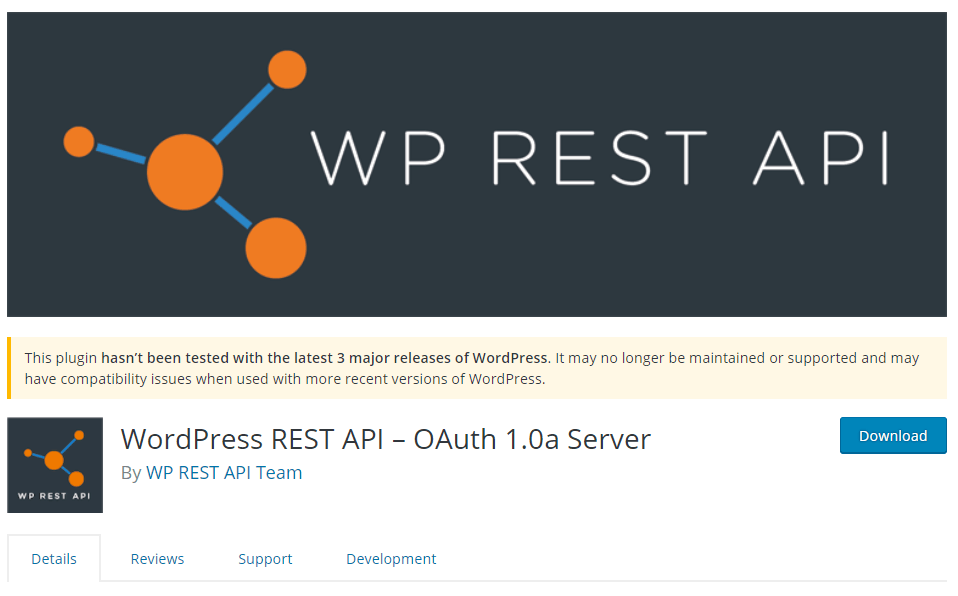
First Install WordPress REST API – OAuth 1.0a Server Plugin
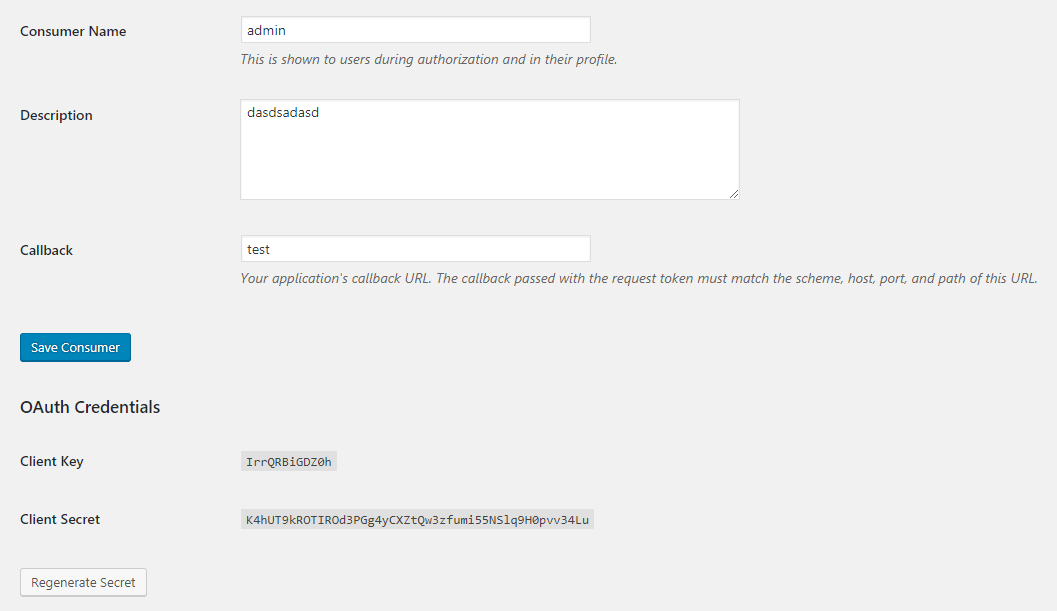
After installation, In admin dashboard go to Users > Application and add New App and add customer.
Now you got client key and client secret key.
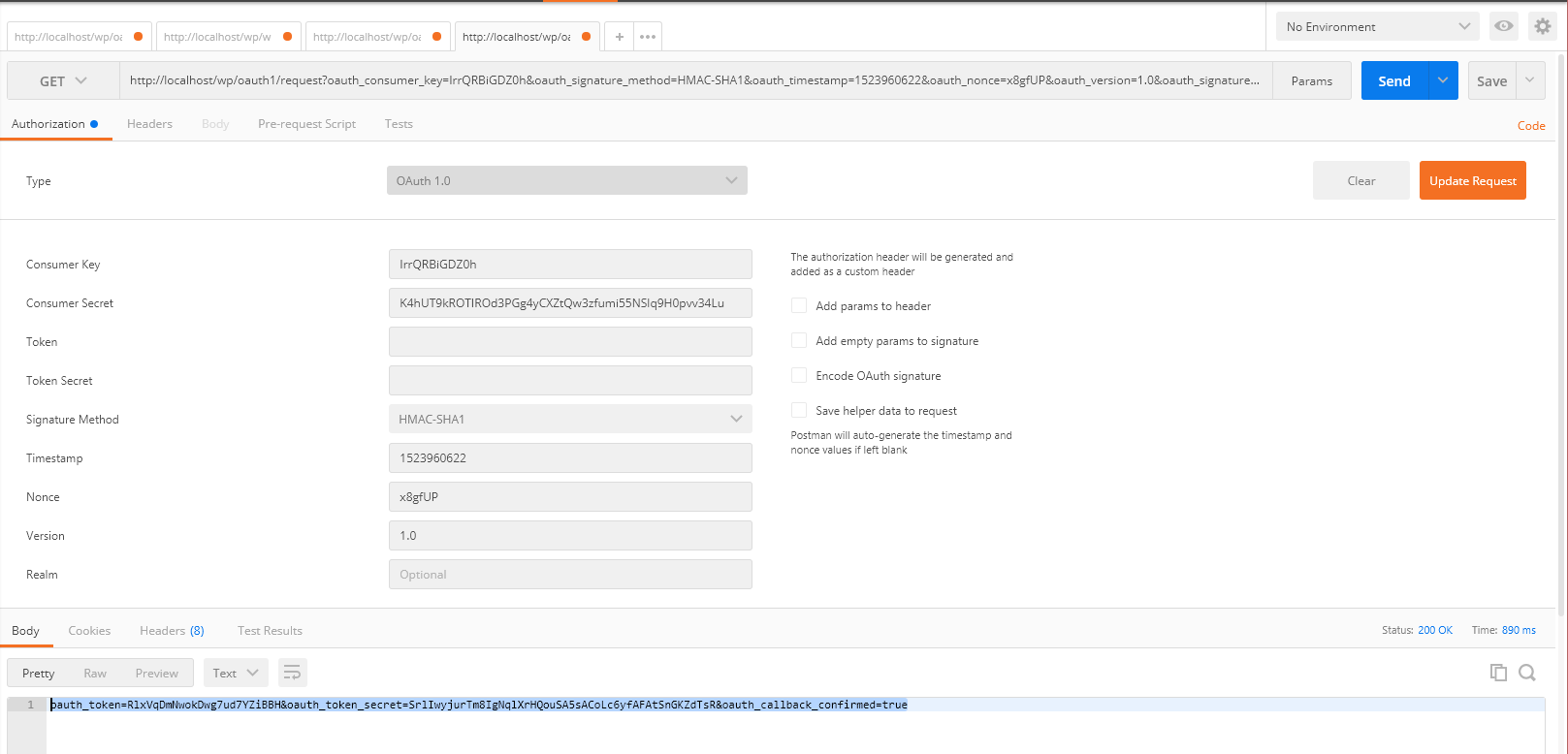
Now goto Postman and enter your request url with client id and client token e.g http://localhost/wp/oauth1/request. Click on “Update Request” and click on send button
After that you will get token and token secret key.
Now Call the authorize url, e.g http://localhost/wp/wordpress-api/oauth1/authorize?oauth_token=K4hUT9kROTIROd3PGg4yCXZtQw3zfumi55NSlq9H0pvv34Lu and aurthorize your token
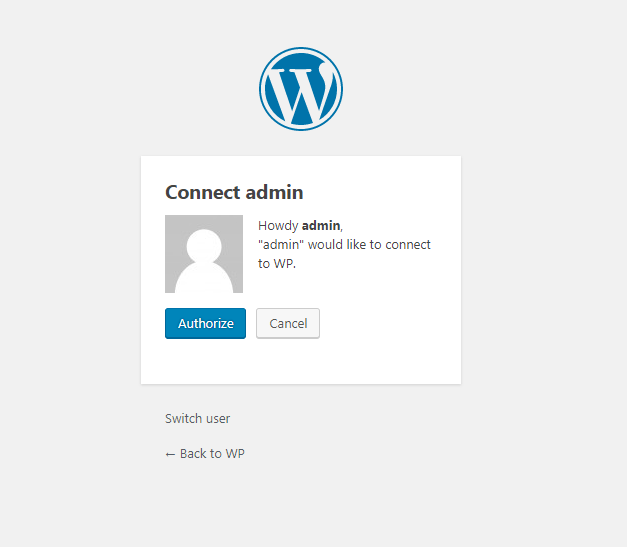
Get verified code e.g Your verification token is K2315ENUJsCtuZRHyJVQEIKo
Put above varification code into postman as http://localhost/wp/oauth1/access?oauth_verifier=K2315ENUJsCtuZRHyJVQEIKo
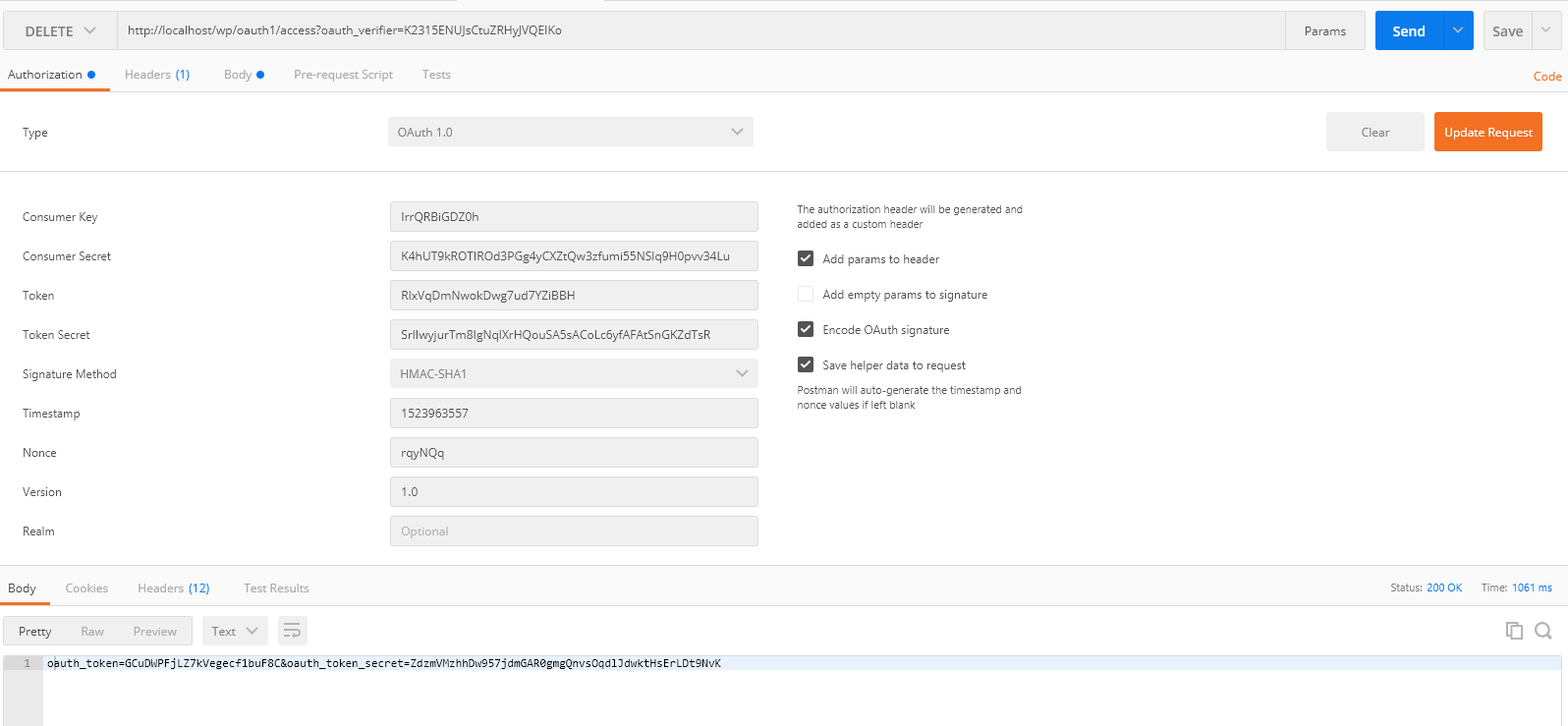
Now Create an action for delete page have id 8 e.g http://localhost/wp/wp-json/wp/v2/pages/8 and select DELETE method in postman.
Enter new tokens and fire http://localhost/wp/wp-json/wp/v2/pages/8 it will delete the posts which have 8 id.